A booking link for consultants and coaches.
Share one link, or the Book a call button on your card, and invitees pick a time that suits you both, shown in their own time zone. No app to install, no account to make. Your video link goes in the invite, a gap is kept between calls, and once you connect Google Calendar or Outlook, your busy times there stay closed here.
No account for invitees·In their own time zone·Your video link in the invite
In your words
Your words, on every screen.
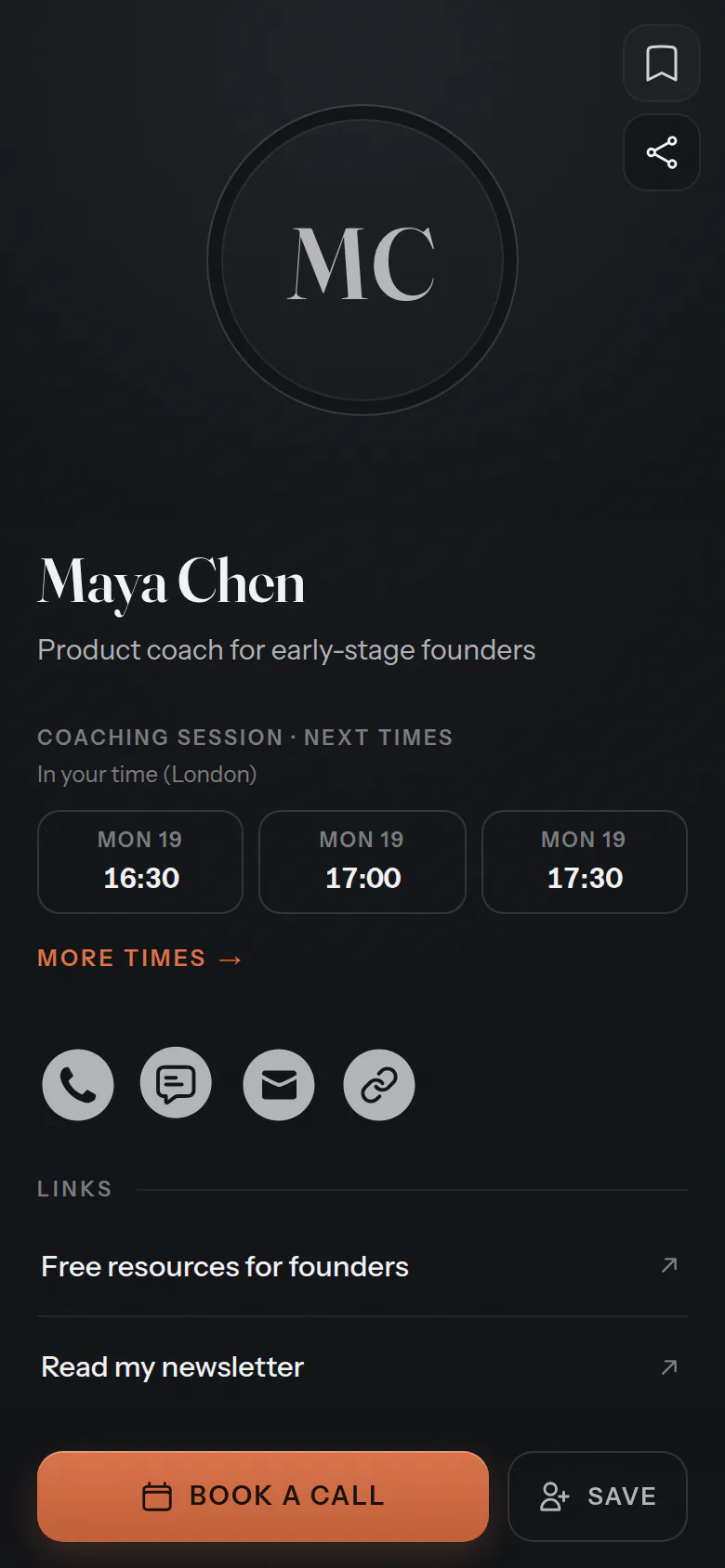
Choose “Consulting & coaching” when you set up, and your screens, your emails and the button on your card use these words. The same calendar underneath.
- What you offer
- Meeting types
- Who they book
- Hosts
- Who books
- Invitees
- In your calendar
- Meetings
- On your card
- Book a call
For your invitees
One link, any time zone.
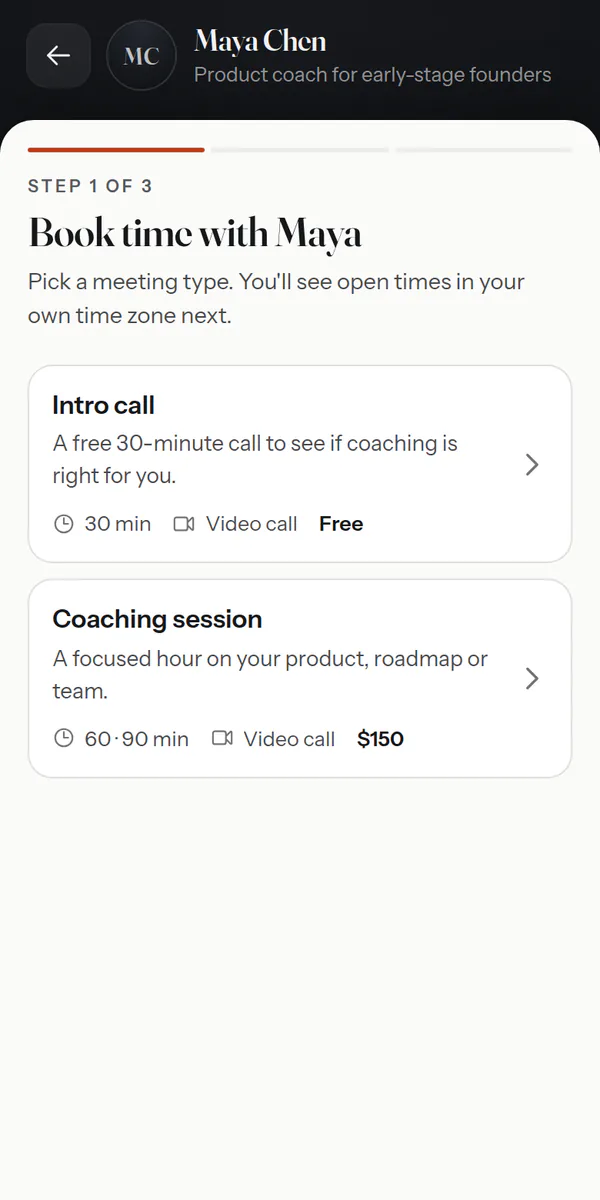
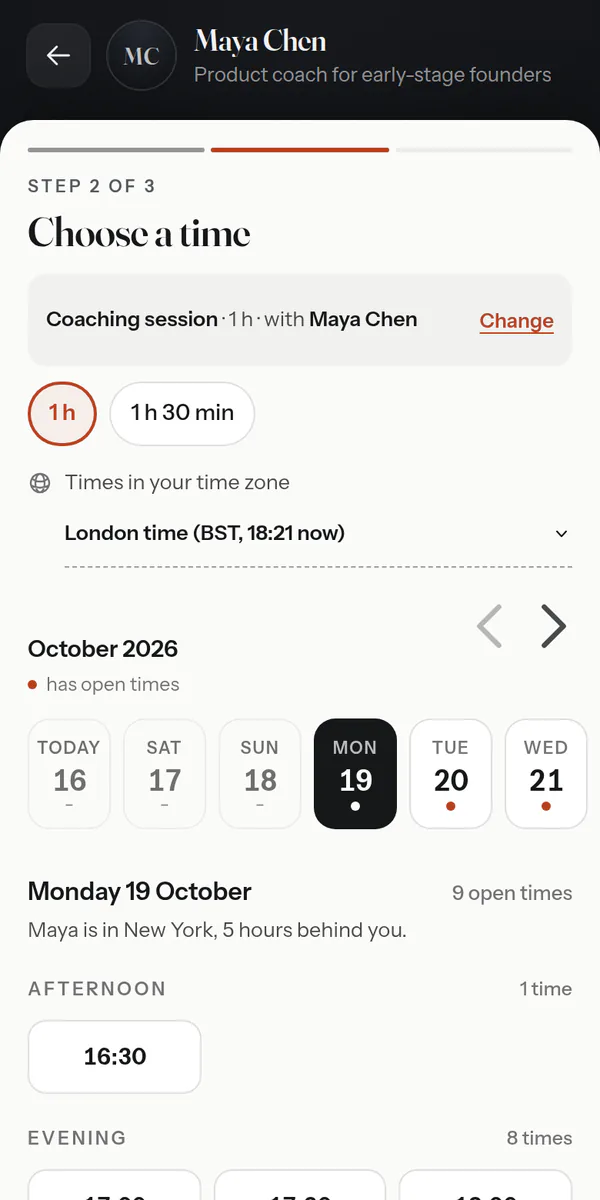
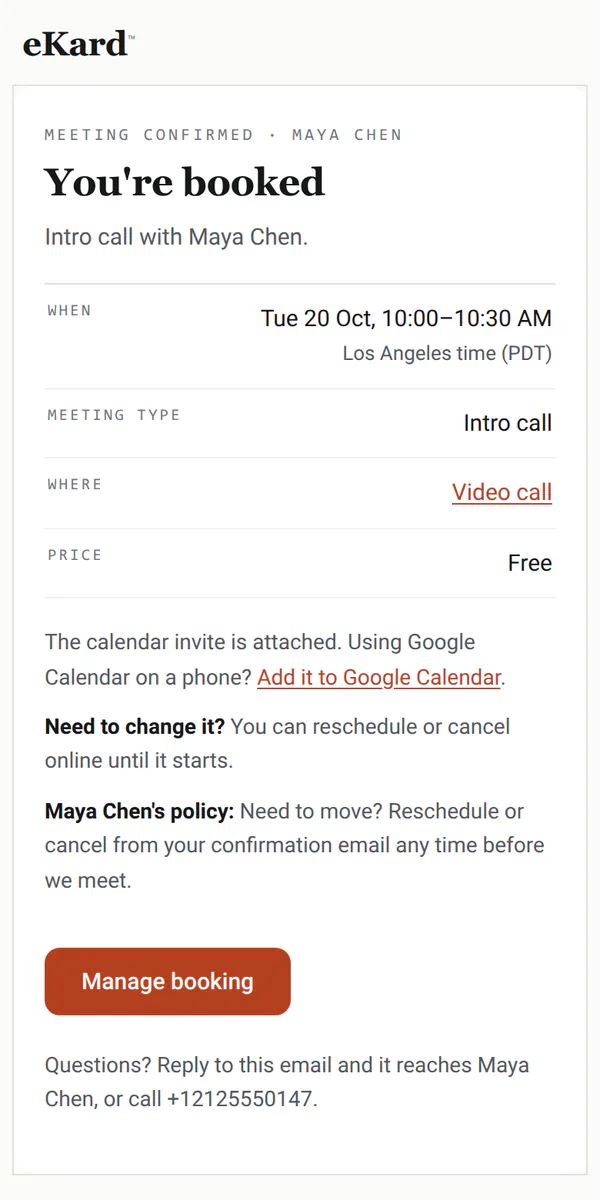
Invitees choose the meeting and how long, then a time shown in their own time zone. A name and an email, and it's in both calendars.
Also — guests on the invite·a question or two before the call·single-use links for a follow-up
Your week
Your meetings, at a glance.
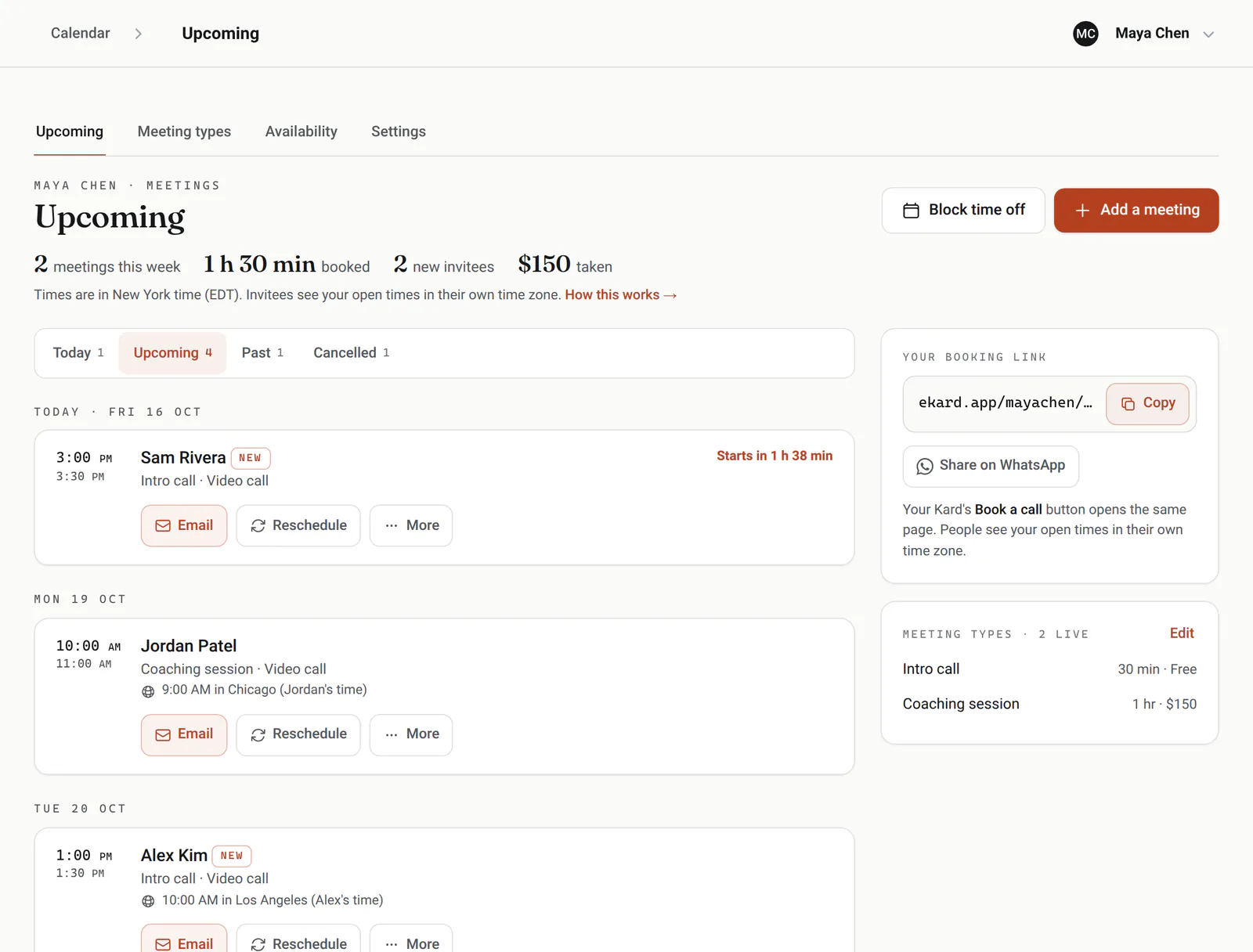
What's coming up, who's new and what's been paid, with times in your zone and each invitee's own beside them. Email, reschedule or cancel in a tap.
Busy times stay closed
When you connect Google Calendar or Outlook, the busy times there block your booking page.
Video links
Put your Zoom, Teams or Meet link on a meeting type, and it goes in every confirmation and invite.
Gaps between calls
Time before and after a meeting stays free, so calls never run back to back.
Notice and limits
How much notice you need, how far ahead people can book, and a daily limit for each meeting type.
Changes up to the start
Invitees reschedule or cancel from their confirmation until the meeting starts, or until a cutoff you set.
Time off
Block a holiday or an afternoon, and those times leave the booking page.
Made for client work
The details client work runs on.
Recurring sessions
Book a client's coaching every week or every two as one series, with one email and one calendar file for all the dates.
Guests
Invitees add up to five guests, who get the confirmation and the invite too.
Questions before the call
Ask what they'd like to cover, or their company's website, as they book.
A team of hosts
On a team, each host has their own hours and card, and invitees choose a person or anyone free.
On your website
Paste a snippet: the booking page inside your page, or a Book button that opens it.
Bookings on your phone
When an invitee books, cancels or moves a meeting, your phone shows it as it happens.
Where meetings come from
Insights shows how many meetings came through your card, a booking link or your website, how far ahead invitees book and how full your week is, for any week or month.
Your other tools
Webhooks send every booking to Zapier, Make or your CRM as it happens, and an AI agent can run the calendar through the eKard Agent API.
Good to know
What it doesn't do yet.
So you know before you switch, in plain terms.
Works with what you use
It fits in, everywhere you are.
eKard University
Learn it in minutes
Short, plain courses from the University, picked for consultants and coaches.
Open the book
ekard.app/you
Make your card, say what you offer and when you work, and switch booking on. Already have a card? Open your calendar.
The paperwork
Do invitees need an account?No. They pick a time in any browser and give a name and an email. The confirmation carries a calendar invite and a link to reschedule or cancel.
How do time zones work?Your calendar keeps your time zone. Invitees see times in theirs, read from their browser, and can switch it; you see their local time beside each meeting.
Does it check my calendar?Once you connect Google Calendar or Outlook, the busy times there close those times here. Apple Calendar and others show your meetings through a private calendar link.
Where does the video link come from?From you: put your Zoom, Teams or Meet link on a meeting type, and it goes in every confirmation and calendar invite.
Can I charge for sessions?The price shows on your booking page, and you take payment your usual way: payment at booking isn't built yet.
Can an AI agent book for me?Yes. The eKard Agent API covers Calendar with the same rules as the app, so an agent can find times, book, move and cancel.