Online booking for spas and massage therapists.
Clients choose a treatment, how long, and a therapist or anyone free, then a time that's really open, from your card. No app to install, no account to make. Behind it, a day view for every therapist, cleanup time held after each treatment, your policy in every message, and notes that follow each client.
No app for clients·60 or 90 minutes, their choice·Cleanup time between treatments
In your words
Your words, on every screen.
Choose “Spa, massage & wellness” when you set up, and your screens, your emails and the button on your card use these words. The same calendar underneath.
- What you offer
- Treatments
- Who they book
- Therapists
- Who books
- Clients
- In your calendar
- Appointments
- On your card
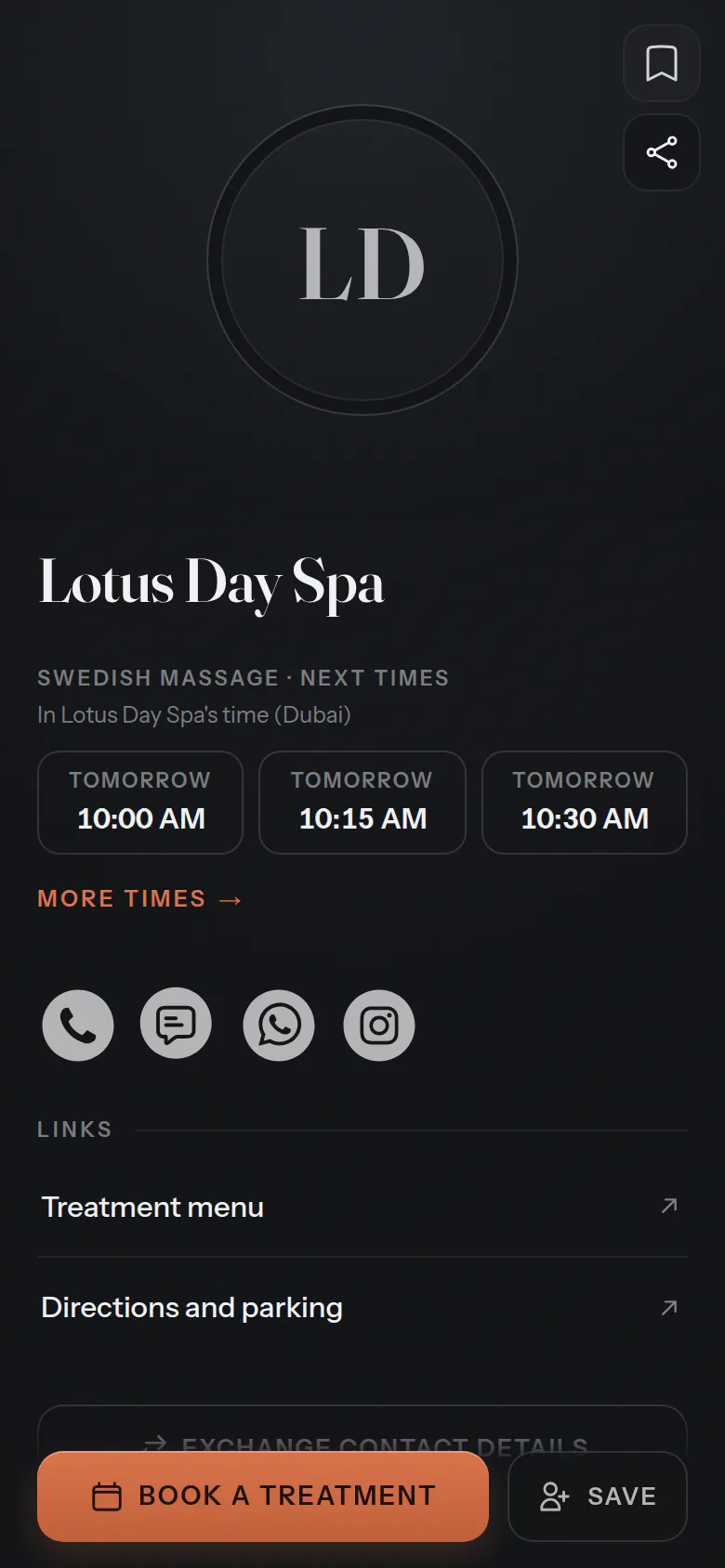
- Book a treatment
For your clients
Their treatment, their length, their time.
Clients choose the treatment and how long, a therapist or anyone free, then a time that's actually open. A name and a mobile number, and it's booked.
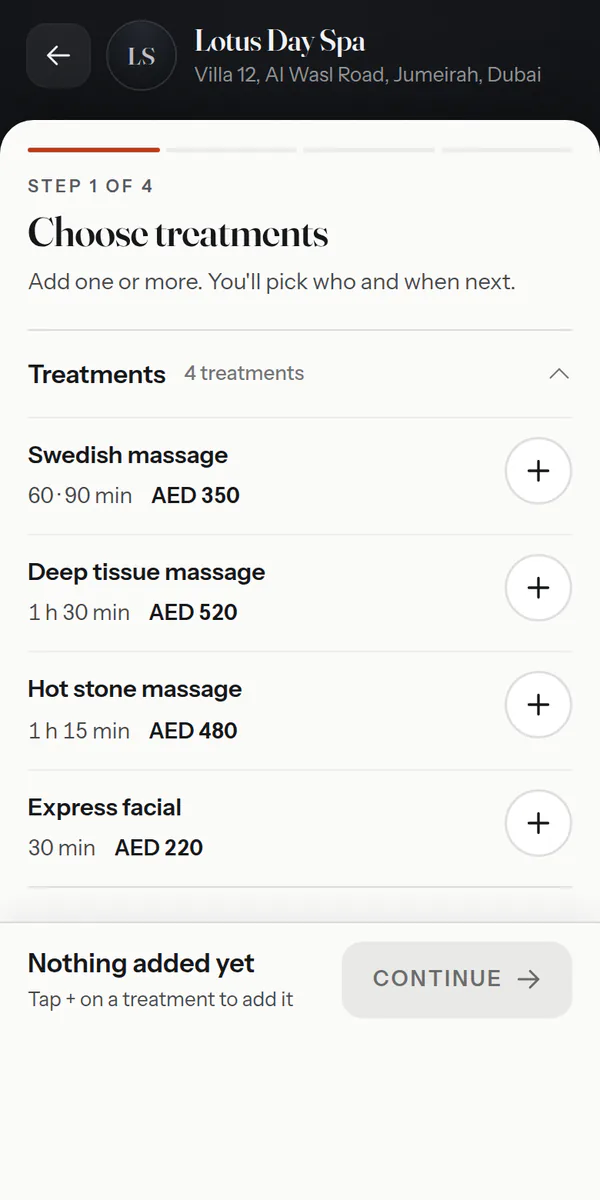
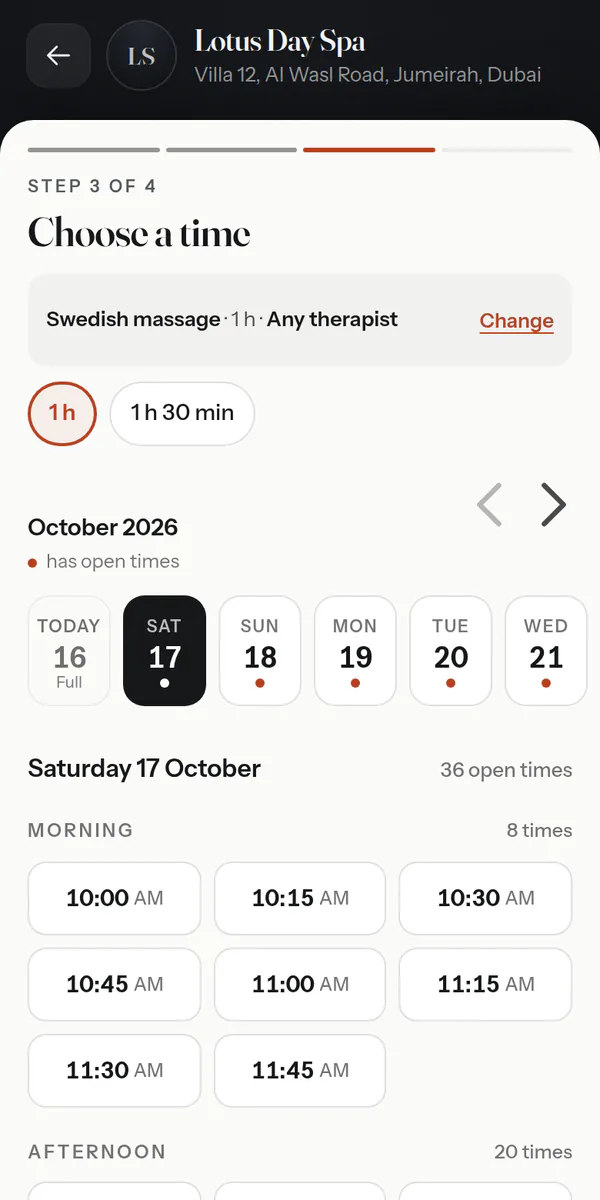
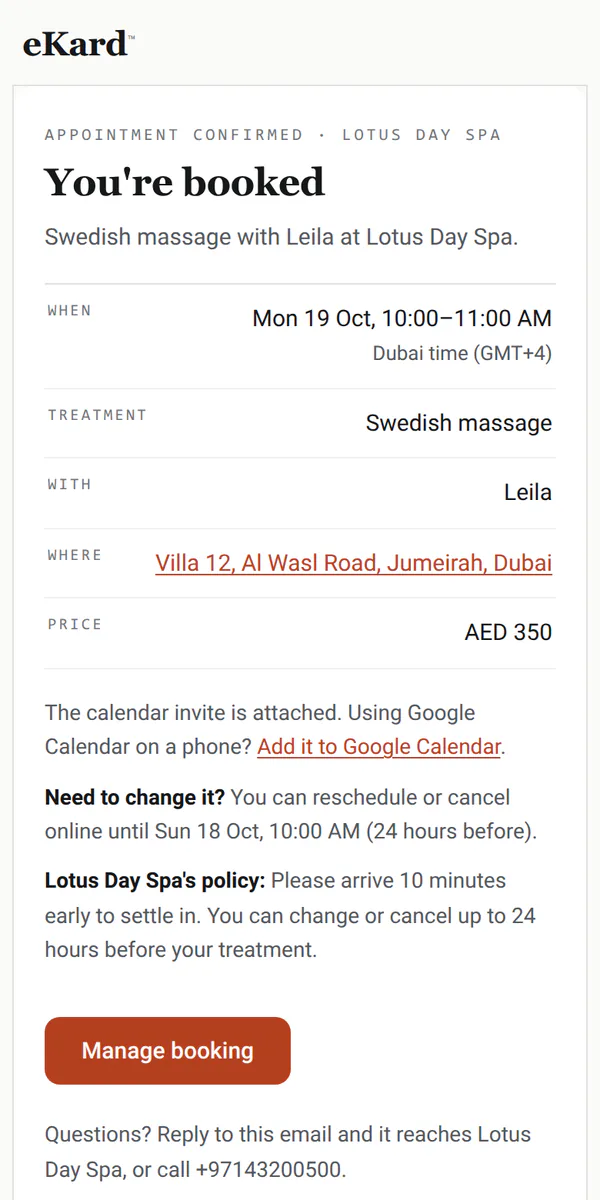
Also — a therapist's own card·a note clients read before they come·changes online until your cutoff
For the front desk
Every therapist's day, side by side.
Each therapist in a column, with the cleanup time after every treatment held for them. Drag a booking to move it, and the change shows on every screen.
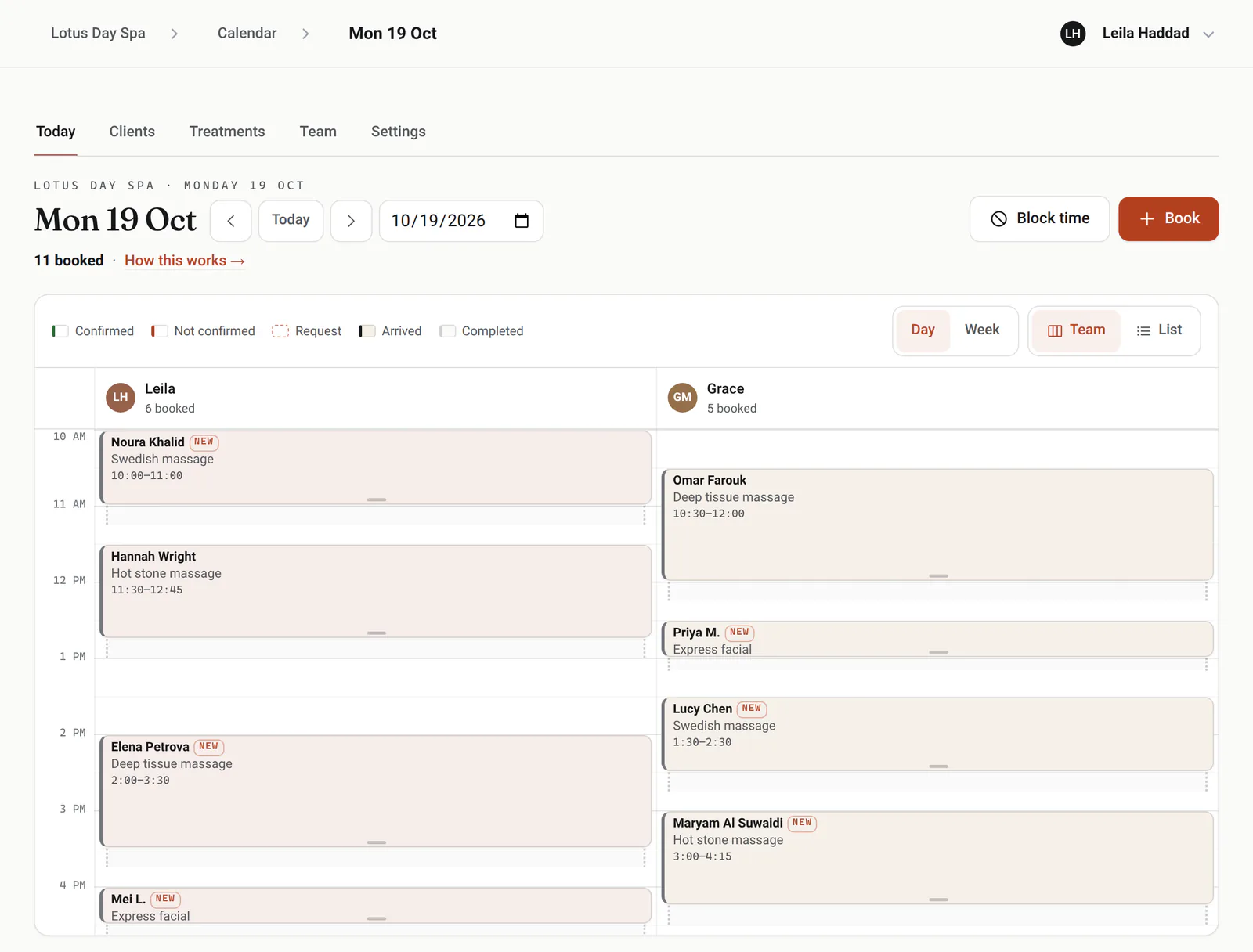
Cleanup time
Ten or fifteen minutes after each treatment stay with the therapist, so nobody runs from one client to the next.
Phone and Instagram
Book from the desk in seconds and note where it came in: a call, WhatsApp, Instagram or in person.
Drag to move
Drag a booking to another time or therapist, or its edge to make it longer.
Confirmed or not
Reminders carry a Confirm button, and the day shows who has tapped it.
Breaks and days off
Block a break, a day off or a closed day, and those times leave the booking page.
Live on every screen
A booking made online or at another screen appears without a refresh.
Made for spas
The details a spa runs on.
Regular treatments
Book a regular's massage every week, two or four as one series, each visit with its own reminder and payment.
Your policy, everywhere
How early to arrive and how much notice you need, shown when they book and in every message.
Client notes and alerts
Each client's visits, notes and an alert note, like an allergy or an injury, on every booking.
Reviews after the visit
With a Google review link on your card, clients are asked for a review a couple of hours after the visit.
Takings and tips
Mark each visit paid, with any tip, and see any week by therapist and by method.
Logins for the team
On a team, a front-desk login runs every booking, and therapists see the day and keep their own hours.
A waitlist for busy days
When every therapist is booked, clients join a waitlist for the days and times that suit them. When a treatment is cancelled, the people waiting hear by email, with a link that books it, and the desk sees who's waiting.
Bookings on your phone
Your phone shows each booking made online, and each cancellation or move a client makes, as it happens. With logins, each therapist hears about their own.
How full each therapist is
Insights shows each therapist's booked time, cleanup included, the busiest hours, no-shows and cancellations, and new and returning clients, for any week or month.
Good to know
What it doesn't do yet.
So you know before you switch, in plain terms.
Works with what you use
It fits in, everywhere you are.
eKard University
Learn it in minutes
Short, plain courses from the University, picked for spas and massage.
Open the book
ekard.app/yourspa
Make your card, say what you offer and when you work, and switch booking on. Already have a card? Open your calendar.
The paperwork
Do my clients need an app or an account?No. They book in any browser with a name and a mobile number, and get a link to change or cancel within your rules.
Can I keep time free between treatments?Yes. Set a cleanup time after each treatment, and that time stays with the therapist. Clients see only the treatment's own length.
Can a massage come in 60 or 90 minutes?Yes. A treatment can offer more than one length, and clients choose when they book. Each treatment has one price, so a longer one priced differently goes in as its own treatment.
Where does my cancellation policy show?Your policy, in your own words, shows on the booking page and in every email. Clients can change or cancel online until your cutoff, a day before by default.
Can clients choose their therapist?Yes, or anyone free. Each therapist has their own hours and treatments, and the desk sees everyone's day.
Can I sell packages or gift cards?Not yet. Each visit is booked on its own; sell packages and gift cards your usual way for now.